Windows
The full thing: screen sharing, computer audio, push to talk, and it updates itself.
Download for Windows Windows may show a SmartScreen warning because we're not code-signed yet. Choose More info, then Run anyway. Shitcord
Open web app
Shitcord
Open web app
Group chat, drop-in voice and screen sharing that actually looks sharp. Made for the people you play with, and whoever else you can drag along.
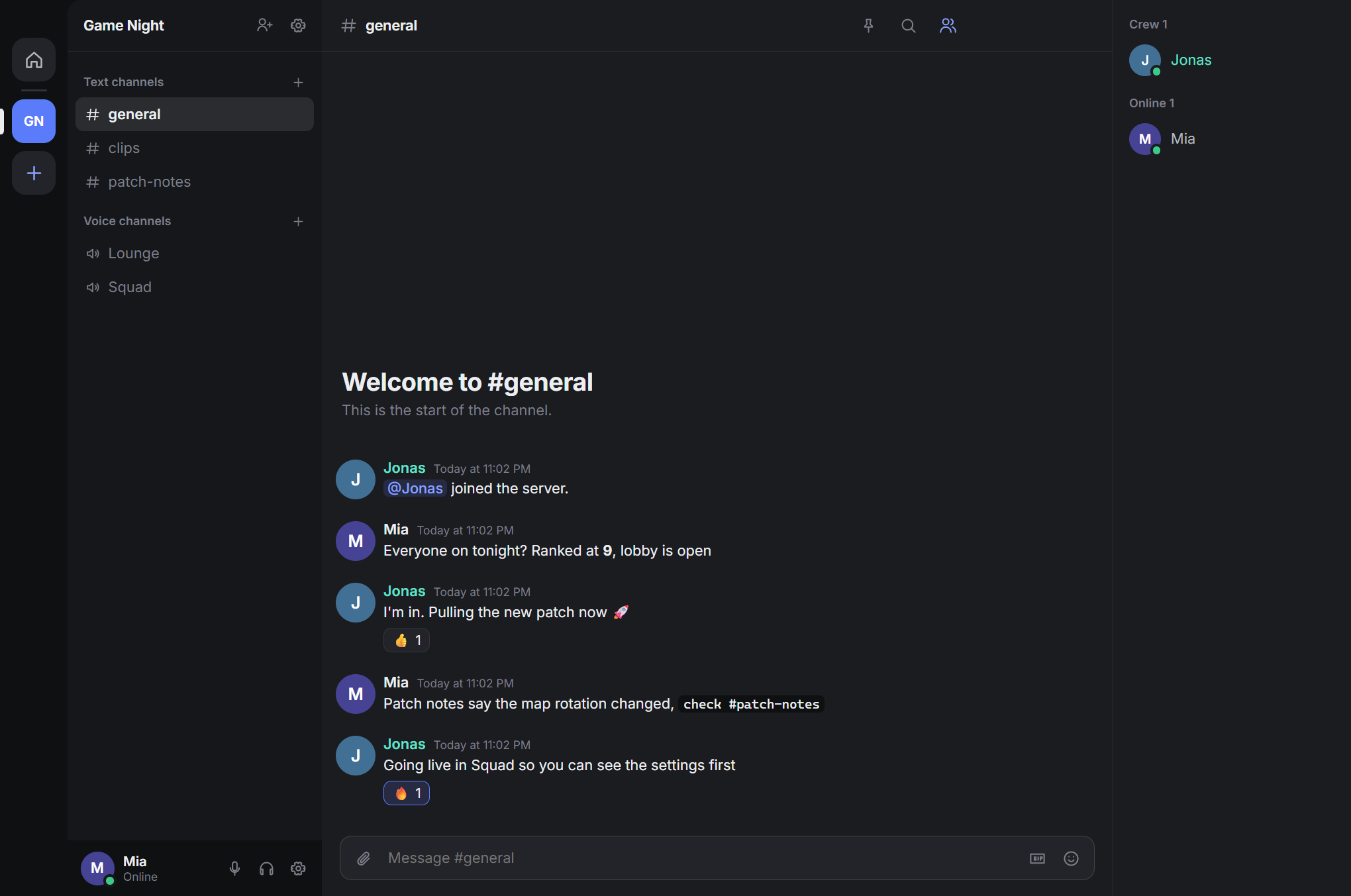
Custom emoji, GIFs, replies, threads and files up to 95 MB. Spin up as many channels as your crew has inside jokes.
Share a game or your whole screen from any voice channel, at up to 4K. It runs on your graphics card, so fast motion stays sharp instead of turning to mush.
Measured at 3840×2160 and 57 fps on an RTX 5090 with a generated test scene. Your upload speed and graphics card set your limit.Voice channels are always open. See who's there, drop in, wander off. Noise suppression and push to talk are built in, and we'll tell you if your mic is sending silence.
Direct calls ring like a phone, with accept and decline. Miss one and you can still jump in from the chat.
Direct messages and call audio are end-to-end encrypted, so the server only ever stores scrambled text. Compare safety codes with a friend if you want proof.
Covers DM text and call audio. Files, stream video and server channels aren't end-to-end encrypted.Roles, permissions, kicks, bans, timeouts, slowmode, word filters, reports and a full audit log. Bring your own bots if you want robots to do it instead.
The full thing: screen sharing, computer audio, push to talk, and it updates itself.
Download for Windows Windows may show a SmartScreen warning because we're not code-signed yet. Choose More info, then Run anyway.Nothing to install. Log in and go.
Open web appOpen the web app, then add it to your home screen from the browser menu.
Open on your phoneDesktop apps are on the way. The web app works in the meantime.